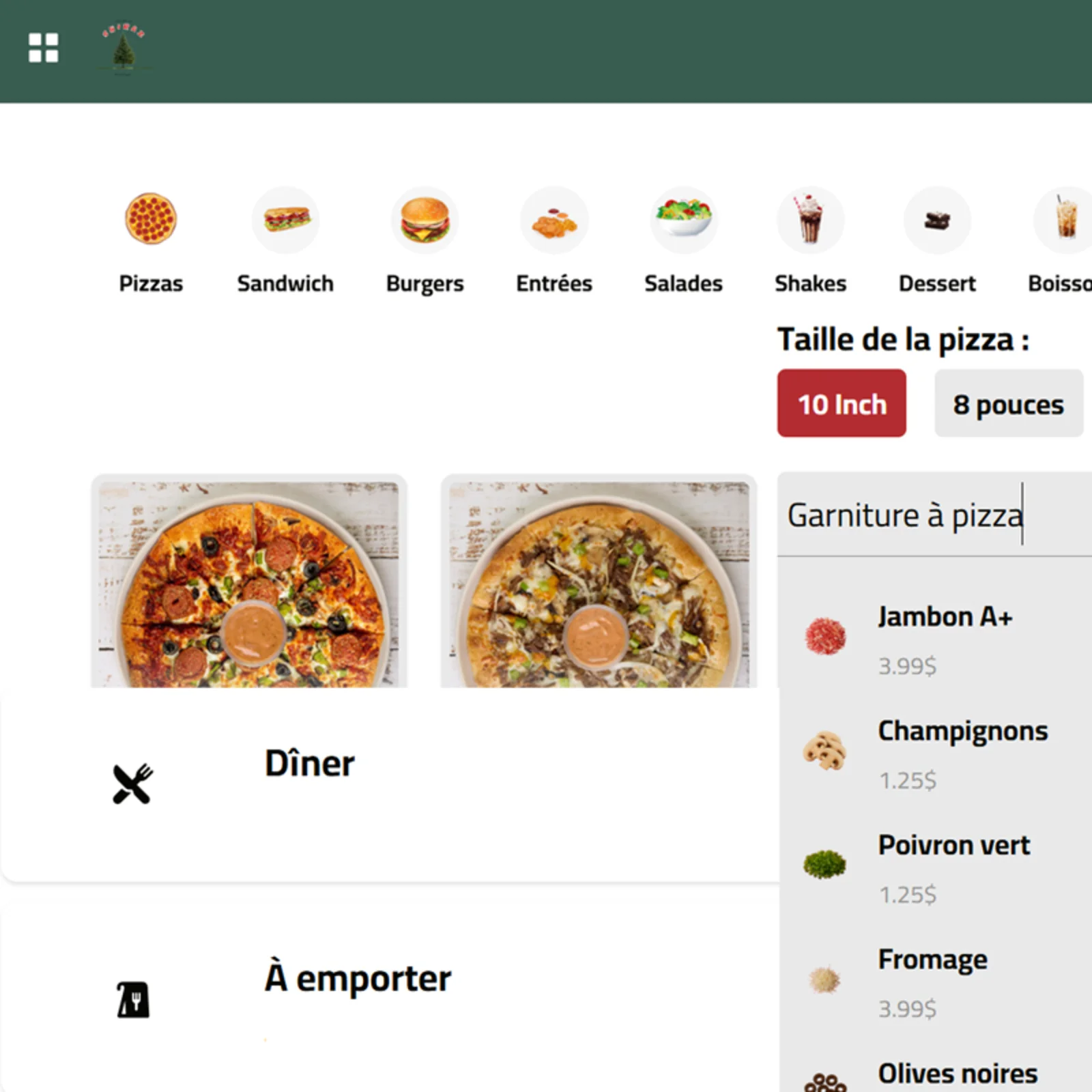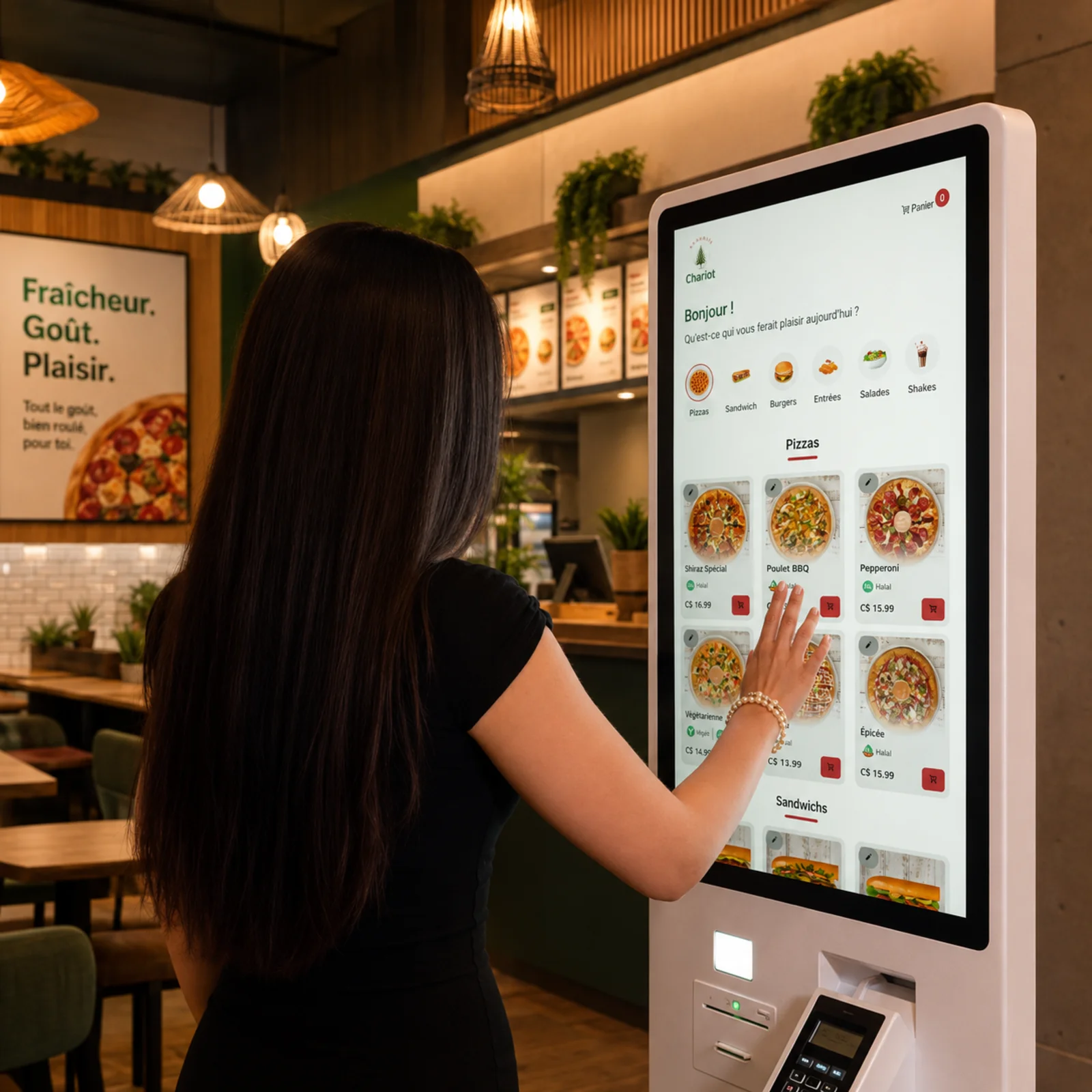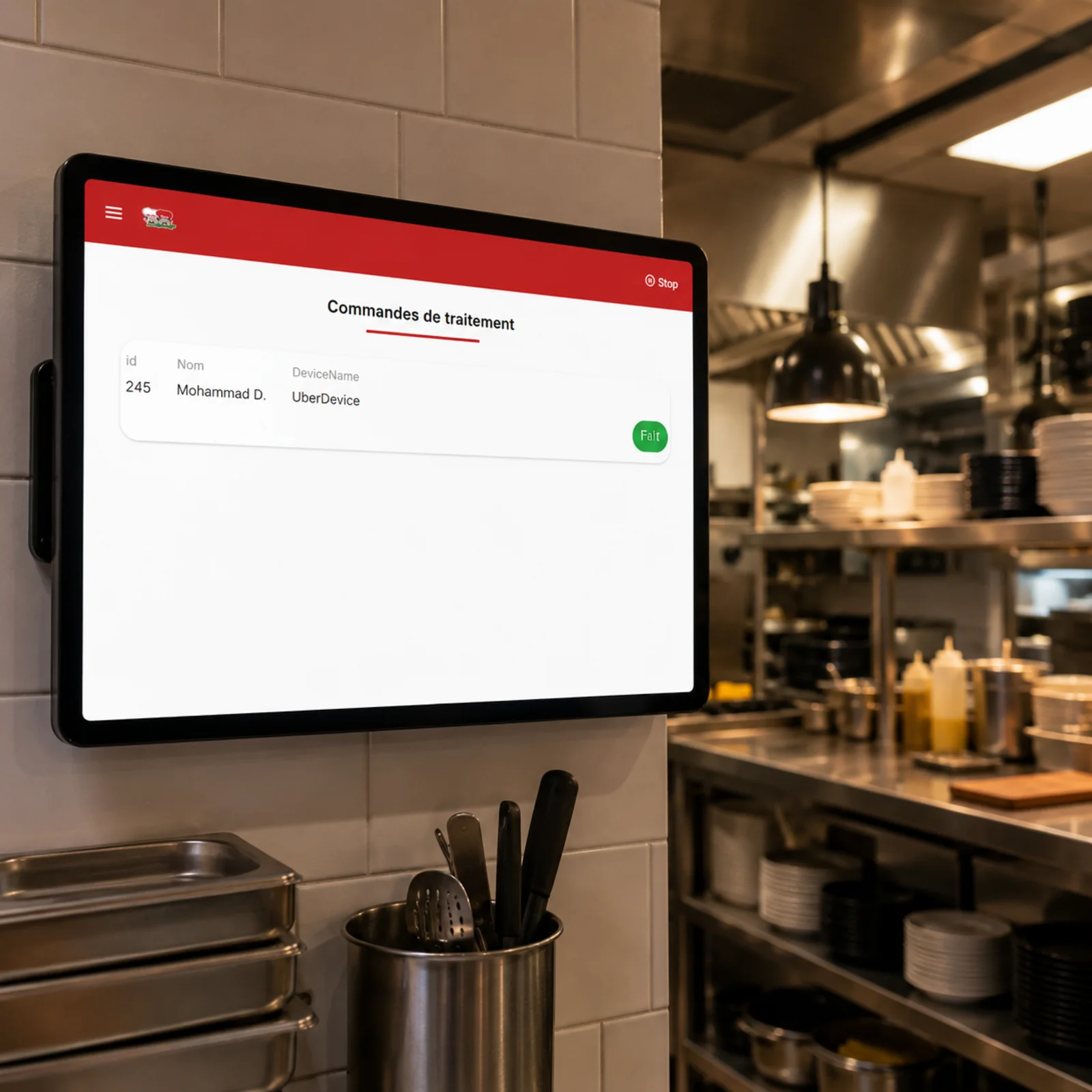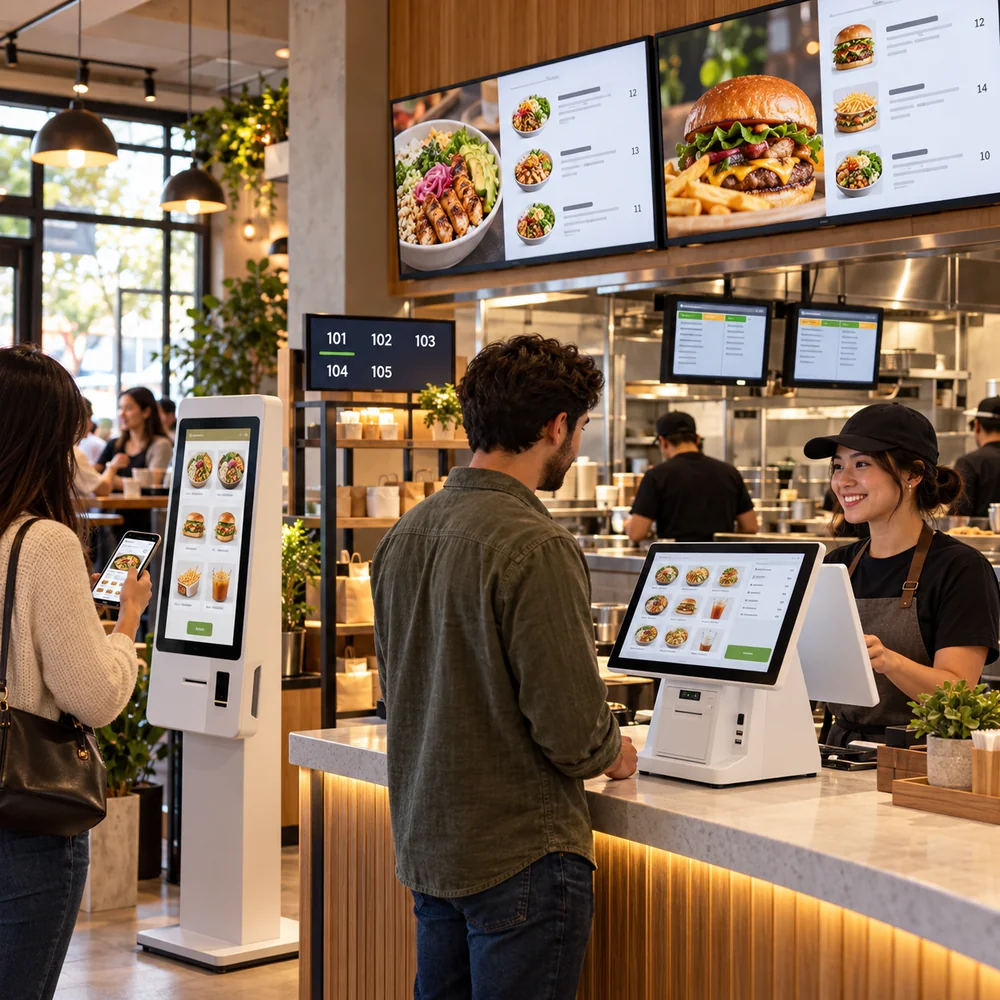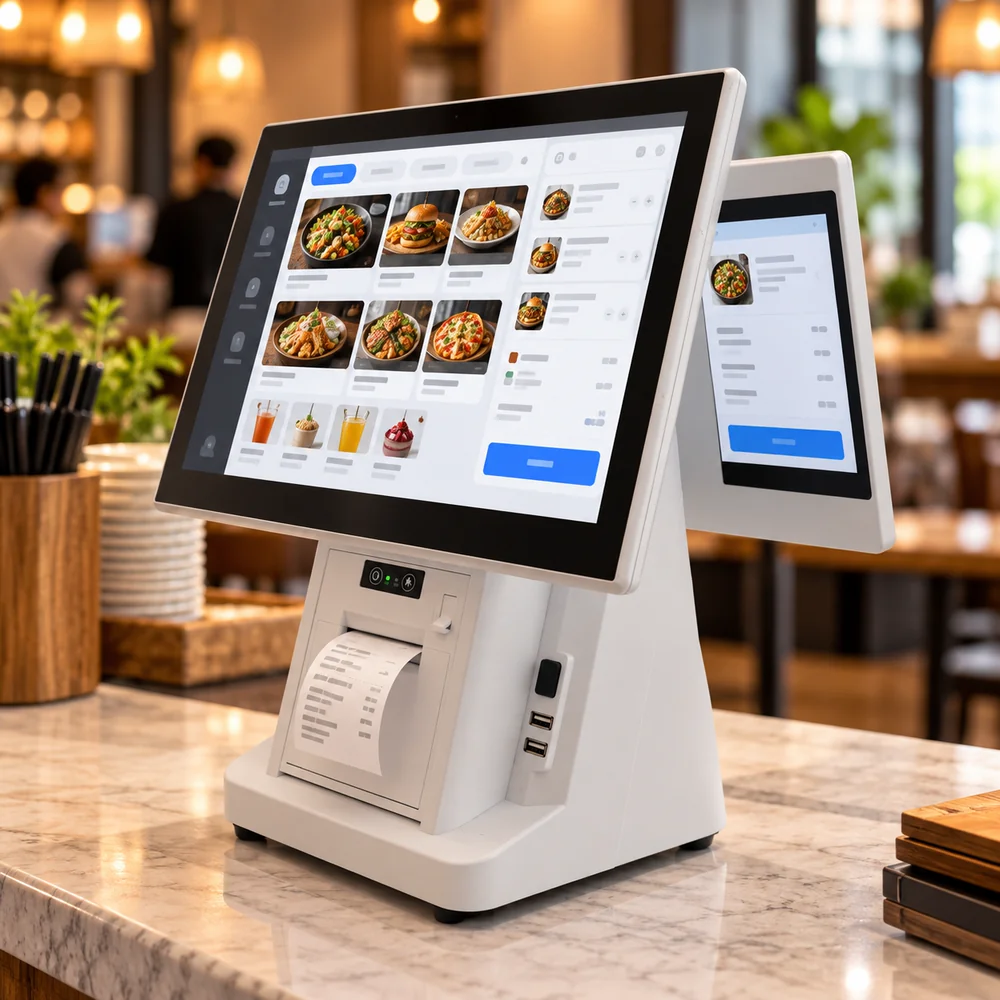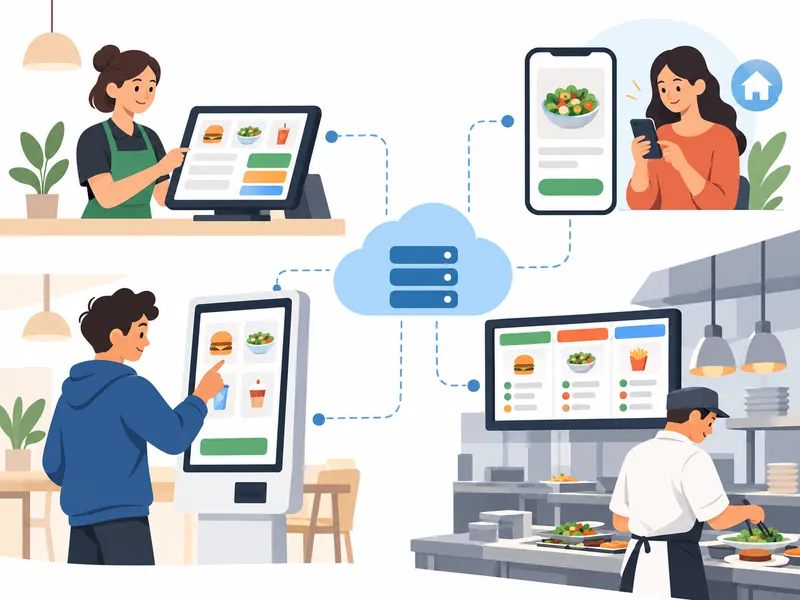
Une pile technologique intégrée doit faire suivre à chaque commande un parcours traçable : la recevoir, transmettre les articles et options à la cuisine, mettre à jour son état et rapprocher la vente. La caisse, la borne, le site de commande et l’écran de cuisine doivent partager le même menu et les mêmes statuts.
Cartographier le parcours des commandes
Notez où commencent les commandes sur place, à emporter, en livraison et sur borne, puis où chacune doit apparaître. Vérifiez la cohérence des noms, prix, options, taxes et disponibilités. Testez les modifications, annulations, périodes de pointe, coupures réseau et commandes en double avec l’équipe.
Prochaine étape pratique
Choisissez une intégration selon le transfert qu’elle simplifie, pas selon le nombre de logos affichés par un fournisseur. Examinez le site de restaurant, la borne libre-service et le système d’affichage en cuisine, puis demandez comment les données circulent et qui assure le soutien.
Produits Kingweb pertinents : Site web de restaurant, Kiosque libre-service, Système d’affichage en cuisine (KDS). Pour explorer des occasions d’affaires, consultez restaurants à vendre.