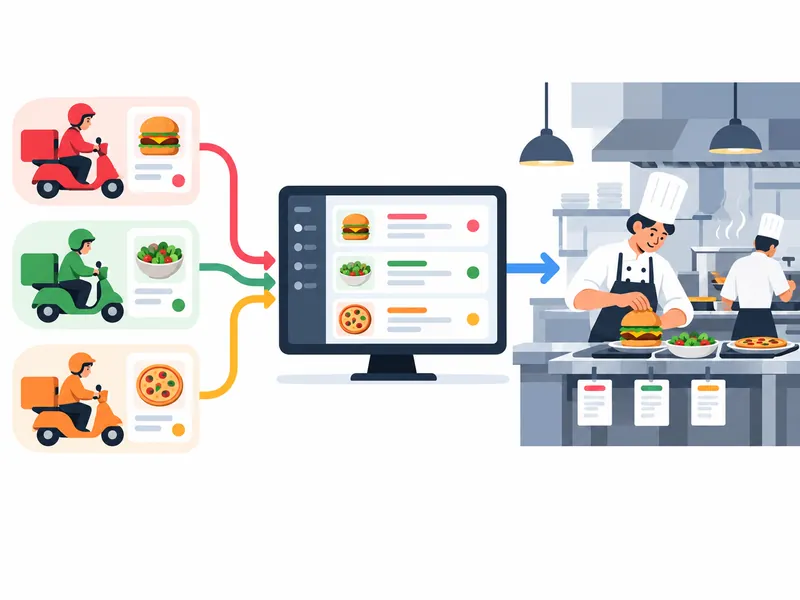
When several delivery apps create separate tablets and alerts, staff can miss orders or type them into the POS again. A restaurant delivery order management system should make incoming orders visible, clarify who accepts them, and pass accurate items to the kitchen. The goal is a dependable workflow, not simply another dashboard.
Check the handoffs and exceptions
Map the full path from app receipt to kitchen preparation, pickup, and completion. Confirm how the connection handles menu availability, modifiers, order changes, refunds, busy periods, and temporary outages. During a pilot, compare app totals with POS and kitchen records, and note every manual step that remains.
A practical next step
Before connecting multiple delivery apps, confirm which integrations are supported and who owns troubleshooting. Keep a fallback process for a failed connection and train staff to recognize duplicate or delayed orders. Integration reduces friction only when exceptions are visible and assigned.
For ownership opportunities, browse restaurants for sale.