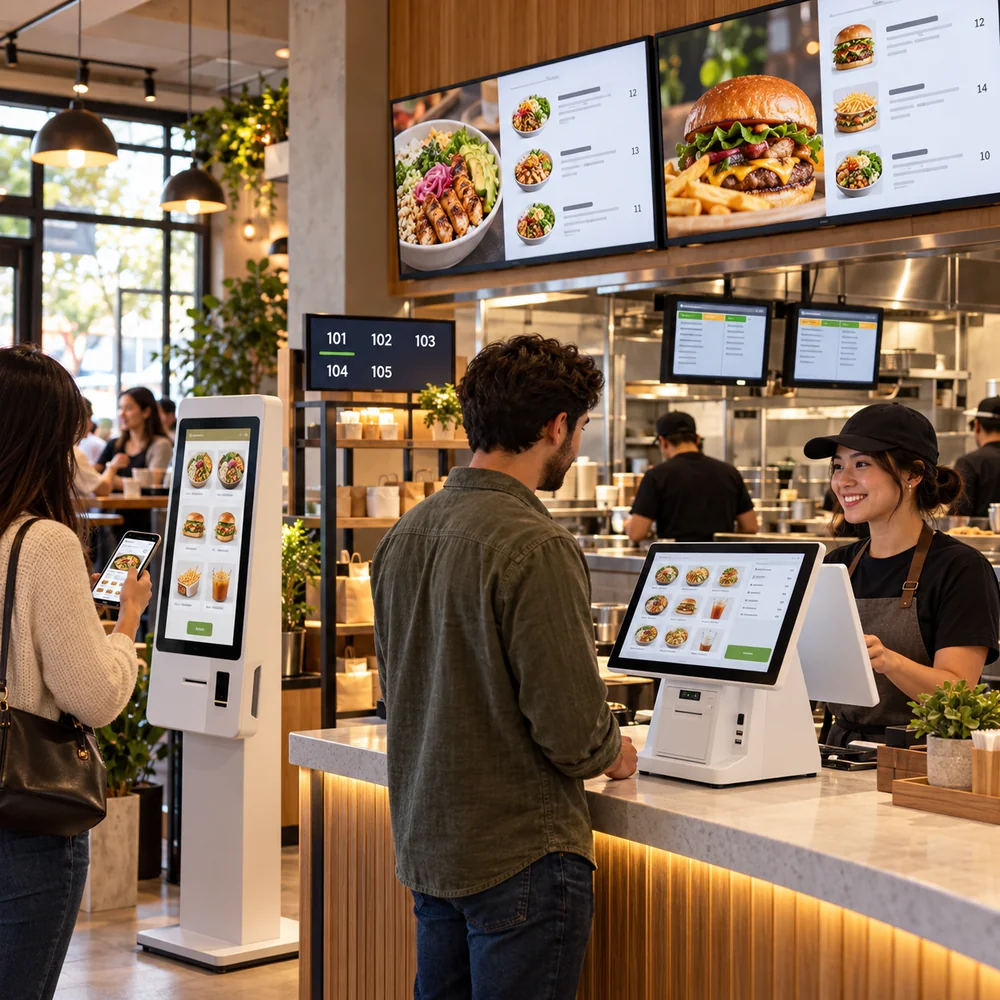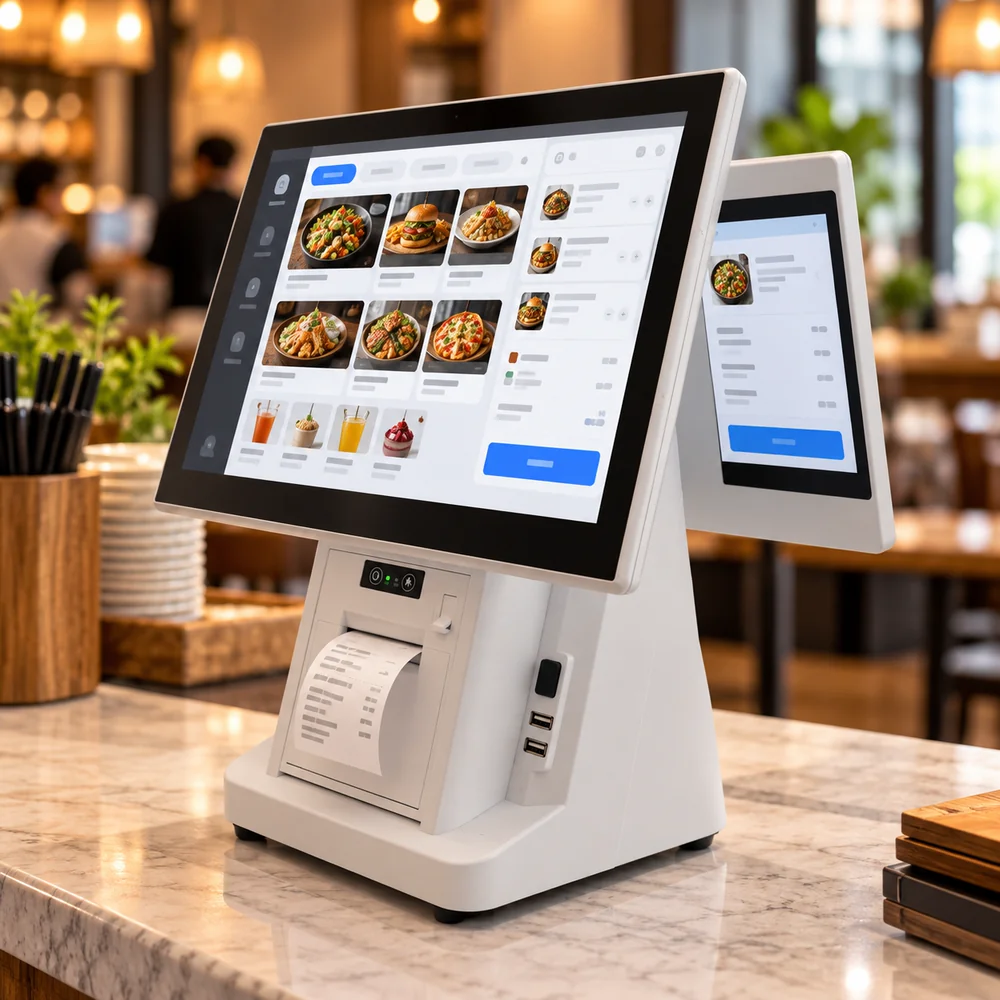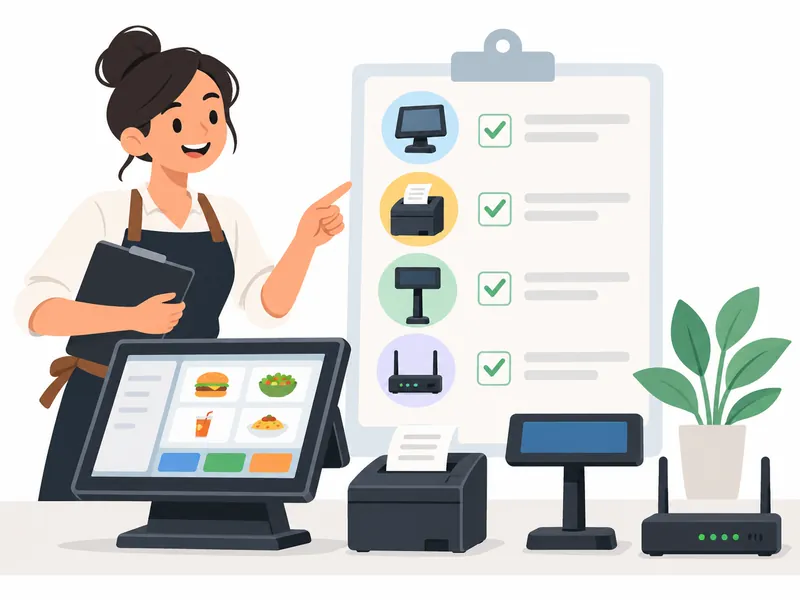
A restaurant POS hardware checklist begins with the service workflow. Identify where orders are taken, paid, prepared, and handed off before buying devices. The hardware needed for restaurant POS varies by counter layout, table service, pickup, and delivery; a larger equipment list is not automatically a better setup.
Check each station and its fallback
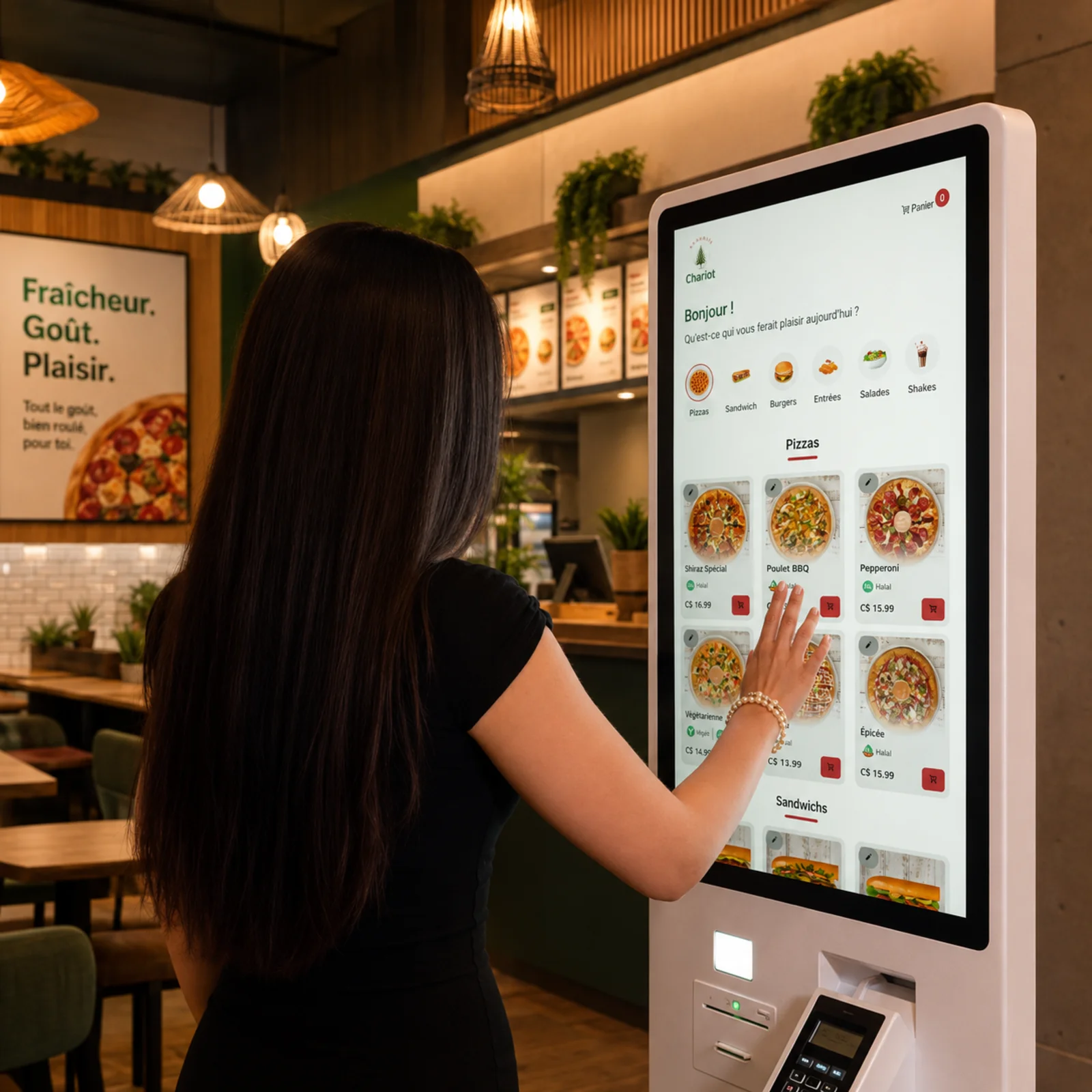
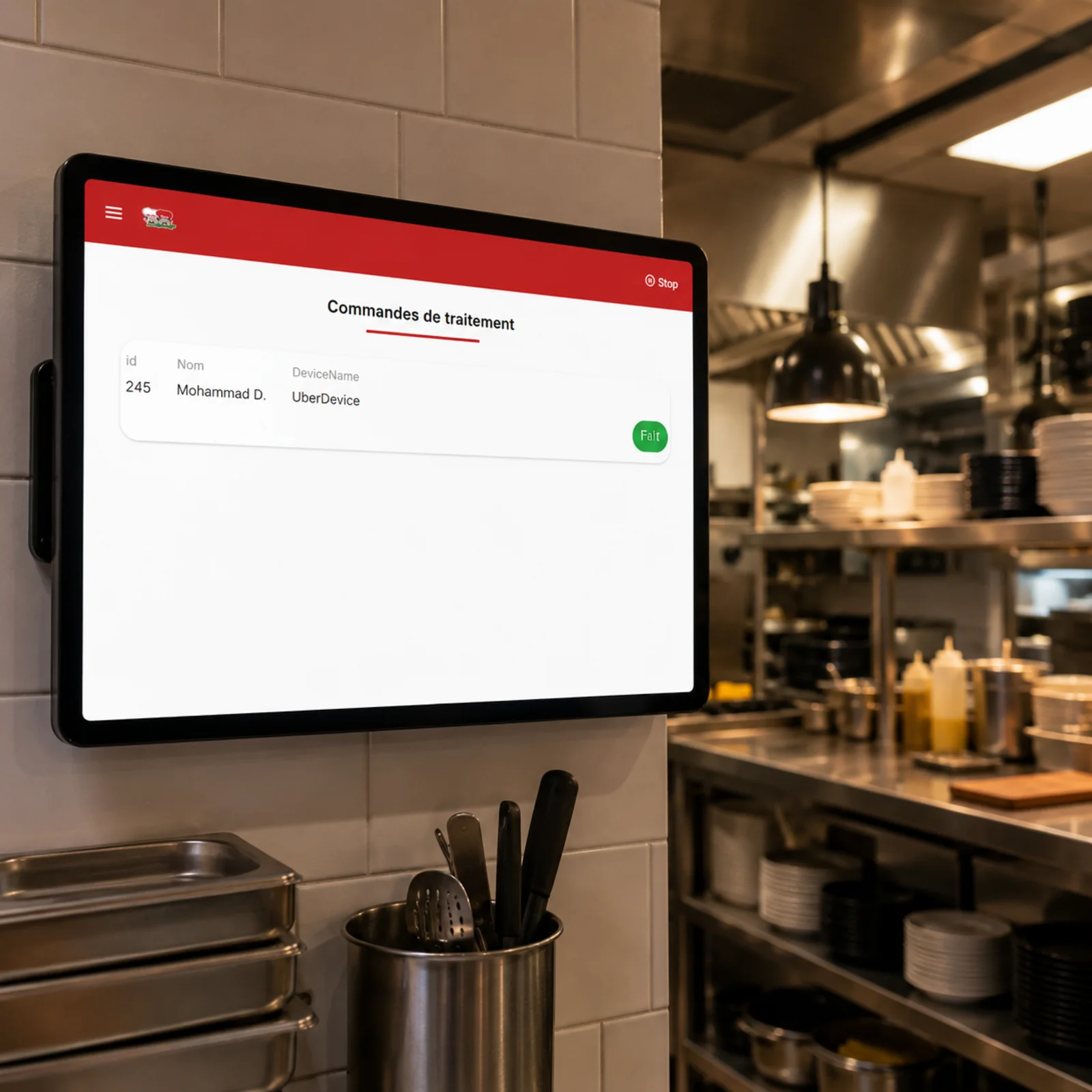
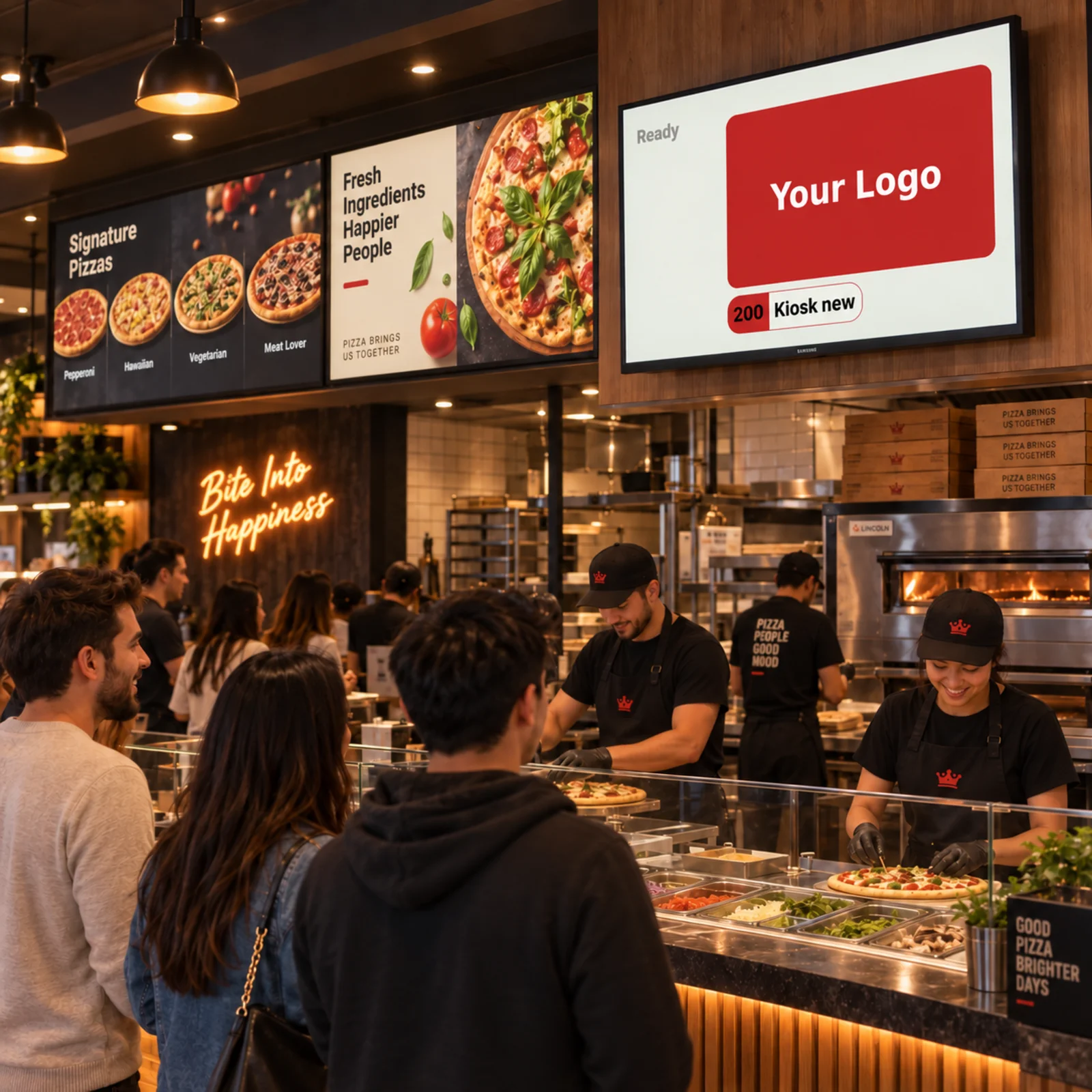
For every station, confirm power, network coverage, placement, cleaning, receipt or kitchen printing needs, and who can troubleshoot it. Consider terminals, payment devices, printers, kitchen displays, customer-facing queue screens, or self-order kiosks only where the workflow benefits. Test busy periods and temporary internet loss.
A practical next step
Inventory existing equipment and verify compatibility before replacing it. Document warranties, spare devices, access credentials, and support contacts. Kingweb’s kiosk, kitchen display, and queue display pages can help compare restaurant devices; confirm the exact installation requirements with the provider.
Relevant Kingweb products: Self-Ordering Kiosk, Kitchen Display System (KDS), Queue Display. For ownership opportunities, browse restaurants for sale.